
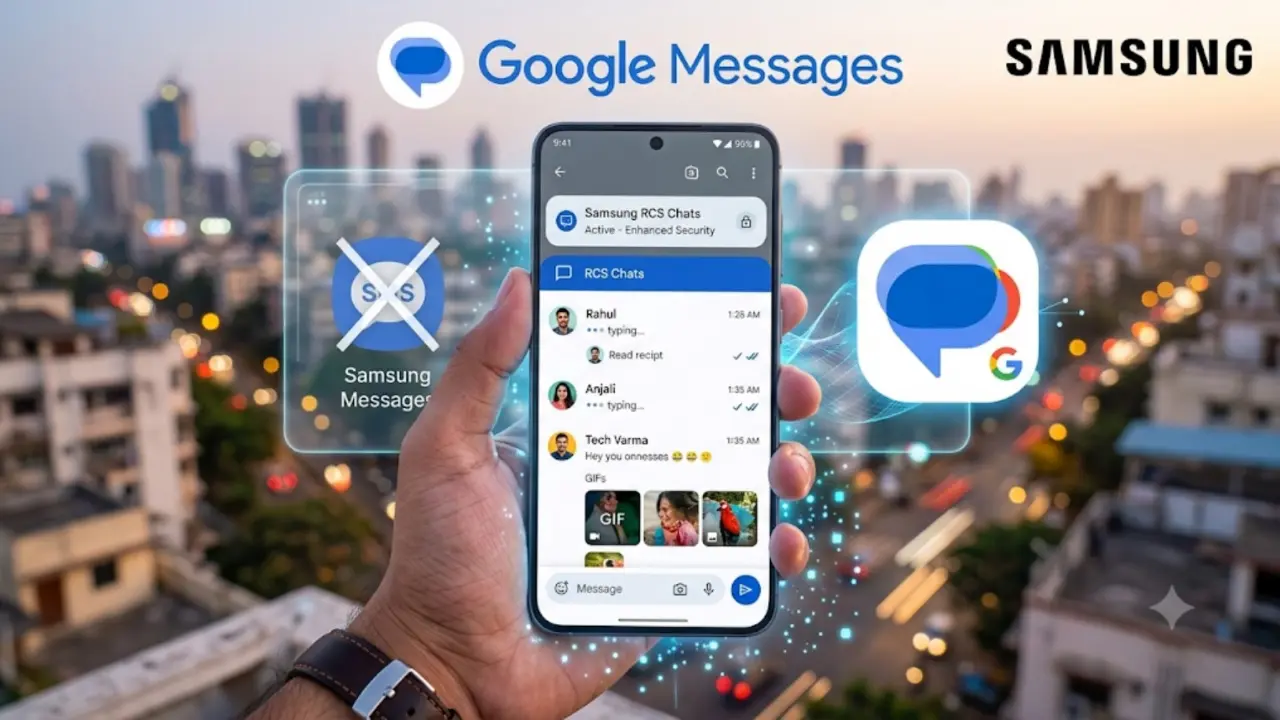
The new update for Samsung Google Message devices has currently become the biggest topic of discussion among all Galaxy smartphone users.Are you a Samsung smartphone user who has noticed a major, surprising change on your device? If so, this is happening because Samsung has recently been gradually phasing out its long-standing, popular default “Samsung Messages” app from its new smartphones. Consequently, the new Samsung Galaxy phones hitting the market now come with Google Messages set up as the built-in messaging app. This shift has sparked a massive debate online—particularly on Reddit and tech forums—regarding the move to Google Messages on Samsung devices.
Consequently, long-time users are extremely upset and frustrated that the app—known for its clean and preferred user interface (UI)—is being changed. Meanwhile, many users are confused about the new features and privacy-related aspects.
So, in today’s article, we will take a deep dive into why Samsung made such a major decision, what the new Samsung Messages RCS update entails, and how it is set to transform the entire Android ecosystem. We will also look at how you can download the Samsung Messages app if you are a fan of the classic version.
Android’s biggest pain point: Fragmentation.
For years, Android phones were often the butt of jokes because devices from different brands (such as Samsung, Pixel, and Xiaomi) could not communicate effectively with one another. In contrast, iPhone users enjoyed a robust, secure, and unified ‘iMessage’ ecosystem that allowed them to exchange high-quality media and chat seamlessly—often while poking fun at Android users.
Android mobile manufacturers used to have their own distinct messaging apps. Samsung, for instance, had its own excellent messaging app, yet it faced certain limitations. The biggest issue was that older versions of the Samsung Messages app relied on the disparate, legacy servers of various mobile network operators (such as Jio, Airtel, T-Mobile, and Verizon). Consequently, when a Samsung user messaged another Android user or added them to a group chat, server mismatches would cause groups to break down and messages to fail delivery; furthermore, media quality would severely degrade. To resolve these pain points, Google and Samsung joined forces, leading to the creation of Google Messages for Samsung.
The Real Magic (Features) of Samsung Google Messages and RCS
When you use Samsung’s Google Messages on your new phone, you get more than just a basic SMS app; you get a modern chatting platform that rivals iPhone’s iMessage and WhatsApp. So, let’s take a look at its best features:
1. Support for Google Jibe Server
The new Samsung messenger now runs on Google’s global Jibe Server rather than the servers of local SIM providers. This means that regardless of which country you are in or which SIM card or network you are using, your messaging experience will always remain consistent and super-fast.
2.Samsung RCS Messaging (Rich Communication Services)
Thanks to RCS, you no longer need talktime balance or a daily limit of 100 SMS to send messages, large photos, or voice notes; if your phone has an active internet or Wi-Fi connection, you can chat for free using RCS messaging on Samsung, while also enjoying features like typing indicators, read receipts, and large group chats.
3. Full security with end-to-end encryption (E2EE)
Many users believe that Google wants to read their personal messages in order to show them advertisements. However, this is not the case at all, as Google never uses data from these private messages to serve ads. This is because RCS messages are fully end-to-end encrypted (E2EE). This simply means that no third party—not even Google itself or any mobile carrier—can read your messages; only you and the person you are messaging can access them.
4.No More Broken Group Chats (No More Thread Splits)
Previously, when a user of the older Samsung text messaging app joined a modern group chat, the group would often fall apart. This happened because Samsung utilized its own RCS engine, which frequently failed to sync properly with Google’s RCS engine (Jibe), causing the group chat to disintegrate and resulting in fragmented message threads. However, following the new update, whether you use a Samsung or a Pixel device, everyone will communicate using the same standard (Jibe RCS), ensuring that group chats no longer break down.
How to download the Samsung Messages app? (If you want the old app back)
If you are also unhappy with Google’s messaging layout and prefer Samsung’s older One-Handed UI design, there is no need to worry; Samsung has not completely deleted the app but has merely disabled or uninstalled it on newer phones—meaning you can re-enable it.
If you also want to download the Samsung Messages app safely, you will need to follow these steps.
Go to the app drawer on your Samsung smartphone and open the Official Samsung Galaxy Store; then, tap the search bar at the top, and search for it. (Note: You might not find this app on the Google Play Store.)
Now, you need to click the ‘Download’ or ‘Update’ button visible next to the app, and once the download is complete, go to your phone’s Settings > Apps > Default Apps > SMS App and select ‘Samsung Messages‘ as the default.
⚠️ Important Security Warning: Nowadays, many fake websites lure users—promising downloads like the “Samsung Messages app APK” or “Galaxy Messenger app for free”—to capitalize on web traffic. As a tech blogger, I advise you to remain vigilant and never download APKs from unknown third-party websites. Doing so could expose your phone to viruses and lead to the theft of your banking details; therefore, always use the official Galaxy Store.
How to enable Google RCS Chats on a Samsung smartphone?
If you also want to take full advantage of the new Samsung text messaging system and send high-quality videos and photos for free without using WhatsApp, you will need to manually activate RCS on your phone.
Open the Google Messages app on your phone and tap your Google account profile photo in the top-right corner of the screen. Then, select “Messages Settings” from the options, go to “RCS Chats” at the top, and toggle the switch next to “Turn on RCS Chats” to the “on” position (it will turn blue). Enter your mobile number and wait for verification; once the status changes to “Connected,” your Samsung text app is fully upgraded.If you face any issues during the activation process, you can refer to the Official Google Messages RCS Setup Guide for official troubleshooting steps.
Bonus Troubleshooting: How to fix the Samsung phone overheating message?
Apart from the Samsung Messages issue, Galaxy users are currently facing another major technical problem: their phones are suddenly overheating, and an overheating warning message is appearing on the screen.
If a Samsung overheating message suddenly appears on your phone while you are browsing the internet, chatting, or gaming, you should immediately take these steps:
1. Check background apps and Dual Messenger.
Many users currently utilize the ‘Dual Messenger‘ feature on their Samsung phones to run two WhatsApp accounts simultaneously; however, running two cloned apps consumes double the RAM and battery in the background, placing a heavier load on the processor and causing the phone to heat up. Therefore, you should put the apps you are not currently using into ‘Deep Sleep’ mode.
2. Customize voice-to-text features.
The voicemail-to-text features found in Samsung’s keyboard keep the voice recognition engine running in the background continuously. If you are not using them, turn them off in the keyboard settings to reduce the load on the CPU.
3. Update the software and cache.
Thermal throttling can sometimes occur due to accumulated old cache files on Android phones; therefore, go to Settings > Software Update and install the latest security patch.For detailed support on device updates, you can visit the official Samsung Support Page.
The Future of Android: A New and Strong Beginning
In the long run, this move by Samsung was crucial for further strengthening Android; after all, we now have standard support for video calling via Google Meet, Quick Share (formerly Google’s Nearby Share) for transferring files without the internet—much like Apple’s AirDrop—and Google Messages for texting.
This marks the beginning of a new, unified, and robust Android experience where features will work exactly the same way, regardless of the phone’s manufacturer.
Also read -Laptop Screen Black But External Monitor Works? 5 Ways to Fix It Instantly!
Conclusion
Initially, it might feel a bit difficult or strange to give up old habits and the familiar Samsung text app; however, this update to Samsung Google Messages is set to be a game-changer, making Android-to-Android chatting better, more secure, and modern. Plus, if you were concerned about privacy, end-to-end encryption has addressed that issue as well. So, embrace this new change and enjoy the modern messaging experience!